
装好 Ant Messenger,安心开聊
Install Ant Messenger and Chat Freely
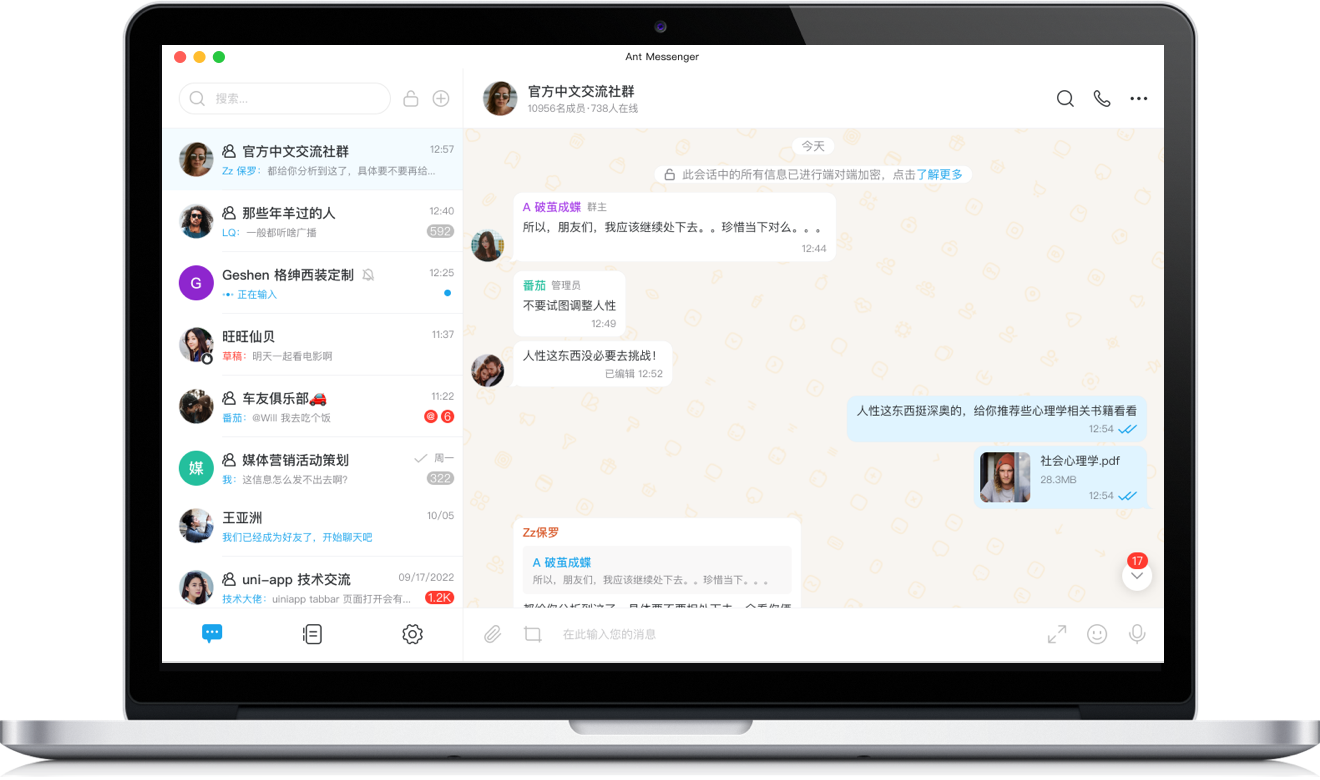
Windows版
Windows
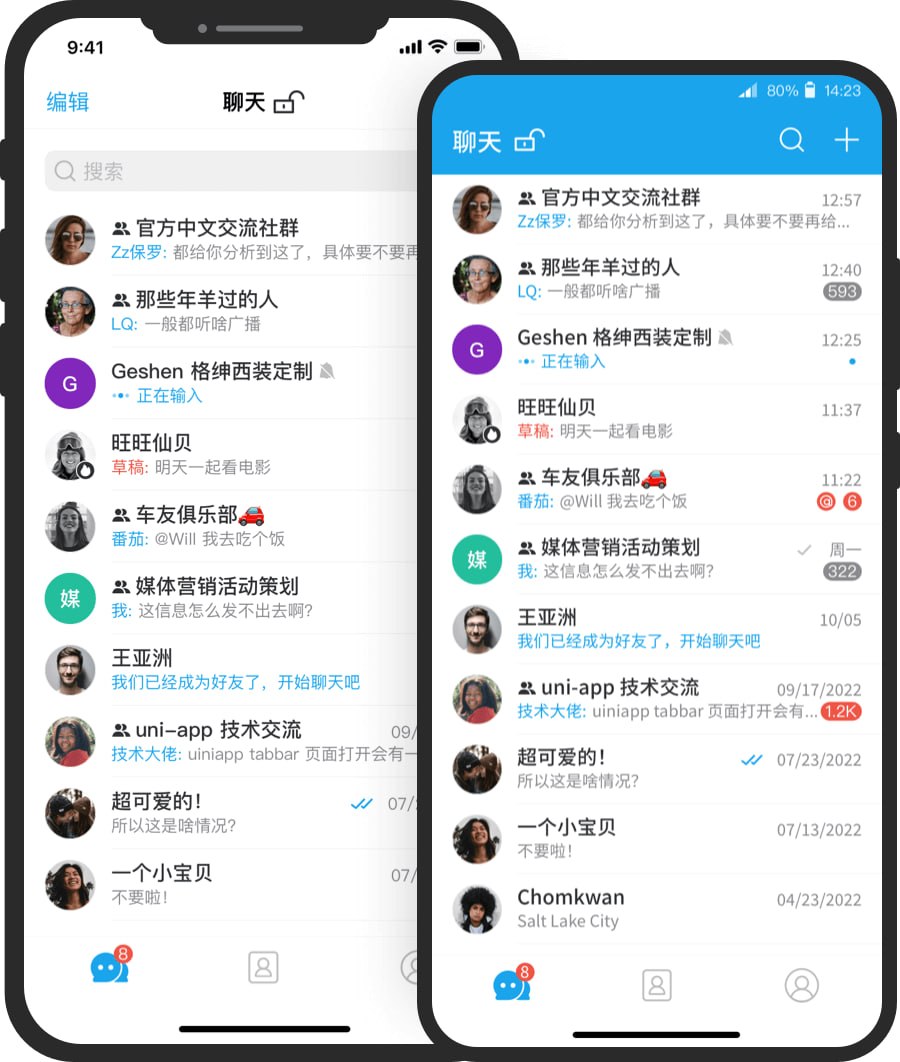
手机版
Mobile
装之前,先看这几条
What to Know Before You Install
消息加密后才发送
Encrypted Before It's Sent
你的每句话都会先加密再上路,只有收件人手里有钥匙。服务器就算想看,拿到手的也只是一堆乱码。
Every message is encrypted before it travels, and only the recipient holds the key. The server may receive it, but all it gets is scrambled data.
截图偷看都拦得住
Screenshots and Snoops Blocked
防截屏、阅后即焚、应用锁都内置好了,别人想瞄一眼你的聊天,得先闯过这几道闸。
Screenshot blocking, self-destruct, and app lock come built in — anyone trying to peek has to get past several gates first.
一个账号,多端接力
One Account, Every Device
Windows、安卓、iOS、macOS 都能装,账号在哪个设备登录,加密记录就跟到哪,换设备无缝衔接。
Works on Windows, Android, iOS, and macOS — wherever you sign in, your encrypted history follows, so switching devices feels seamless.
想自己管数据也随你
Self-Host When You Prefer
公司或团队想把数据攥在自己手里?把服务架在自家服务器上,存储和加密都自己说了算。
Want data fully in-house? Host the service on your own server and keep storage and encryption under your control.
下载前常见疑问速答
Quick Answers Before You Download
电脑装 Windows 版有什么门槛?
Any hurdles for the Windows version?
系统最好是 Windows 10 以上的 64 位,平时把系统更新开着,运行起来又稳又安全。
Use a 64-bit Windows 10 or newer, and keep updates on — it runs smoother and safer.
电脑端怎么登录?
How do I log in on the desktop?
先在手机上把 Ant Messenger 装好并注册账号,然后拿电脑屏幕上的二维码,用手机扫一下确认就行。
Set up and register Ant Messenger on your phone first, then scan the QR code on the desktop screen with your phone to confirm.
手机上哪儿下载最保险?
Where's the safest place to get the phone app?
在手机自带的应用商店搜 Ant Messenger,或者点本页的手机版按钮。记住认准官方渠道,别装来路不明的版本。
Search for Ant Messenger in your phone's app store, or tap the mobile buttons on this page. Stick to official sources and skip shady builds.
用它聊天真的安全吗?
Is it really safe to chat on it?
很放心。消息走端到端加密,还有阅后即焚、双向删除、防截屏这些功能,源码也公开能查,数据一直握在你自己手里。
Rest easy. Chats are end-to-end encrypted, with self-destruct, mutual deletion, and screenshot protection; the code is open for anyone to check, and your data stays yours.